
Gallery
Full-screen asset browsing, search, and batch management.
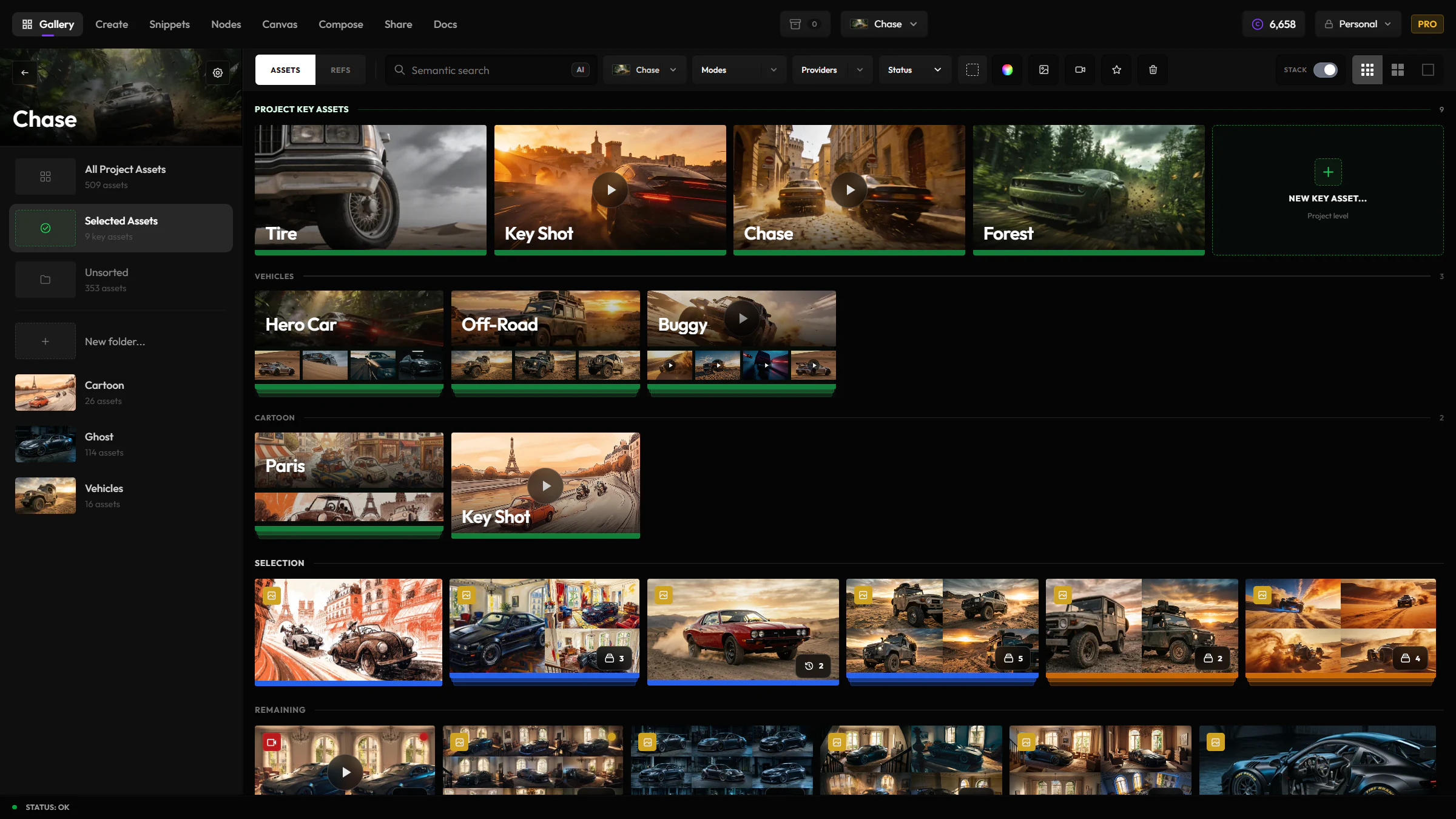
Gallery is your whole library in one place, no matter which app you generated something in. Search across every prompt you've ever written, find the assets worth keeping, and clean up in bulk before you move on.
When to reach for Gallery
Use Gallery to find and organize what you've already generated. When it's time to hand a folder to someone outside your team, move the selects into Share.
Justified layout
Assets are displayed in a justified grid that efficiently uses screen space. Images and videos are shown at their natural aspect ratios.
Search & filtering
- Text search — search by prompt text (full-text search)
- Snippet search — type
@to filter by saved snippets or visual templates used in a generation - Color search — find assets by color
- Filter by mode — show only images, videos, or specific generation types
- Filter by project/shot — narrow down to specific folders
- Filter by favorites — show only starred assets
Key assets
Mark important images or videos as key assets when they represent the strongest options in a project or shot. Key assets can live at the project level or inside a shot, so you can keep one broader shortlist without forcing every select into a specific shot first.
Key asset context carries into the Lightbox, so you can open one selected asset and move through the related set while comparing prompts, versions, and metadata. You can also send a new Gallery asset into an existing key asset as a new version or a named variant, when you want to extend the same selection thread instead of starting another one.
Review status
Assets can carry review and approved states through Gallery, Share, Snippets, and media input flows. Use these statuses to keep exploration, selection, and client-ready outputs separate.
Batch operations
Select multiple assets to:
- Move to a project or shot
- Add to favorites
- Download as a batch (ZIP)
- Delete multiple assets at once
Lightbox
Click any asset to open the full-featured lightbox:
- Full-size preview with zoom
- Complete metadata (prompt, model, settings, seed, cost)
- Lineage view — see the full chain of edits and variations
- Compare slider for before/after comparisons
- Quick actions: edit, upscale, use as input, download
Navigation
- Use arrow keys to navigate between assets in the lightbox
- Escape closes the lightbox
- Shift + click for range selection
- Hover a card to reveal its selection checkbox, then click to select — no modifier key needed